
Interactive Projector Screen Paint – White Matte Finish
Smarter Surfaces Interactive Projector Screen Paint is designed for users who want to create a touch-enabled interactive projection surface. Ideal for immersive learning and collaboration.
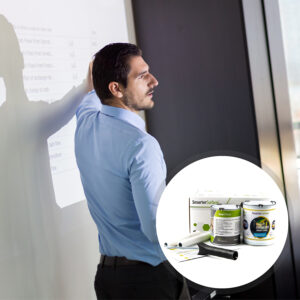
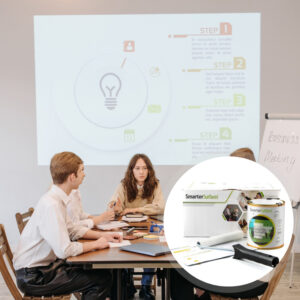
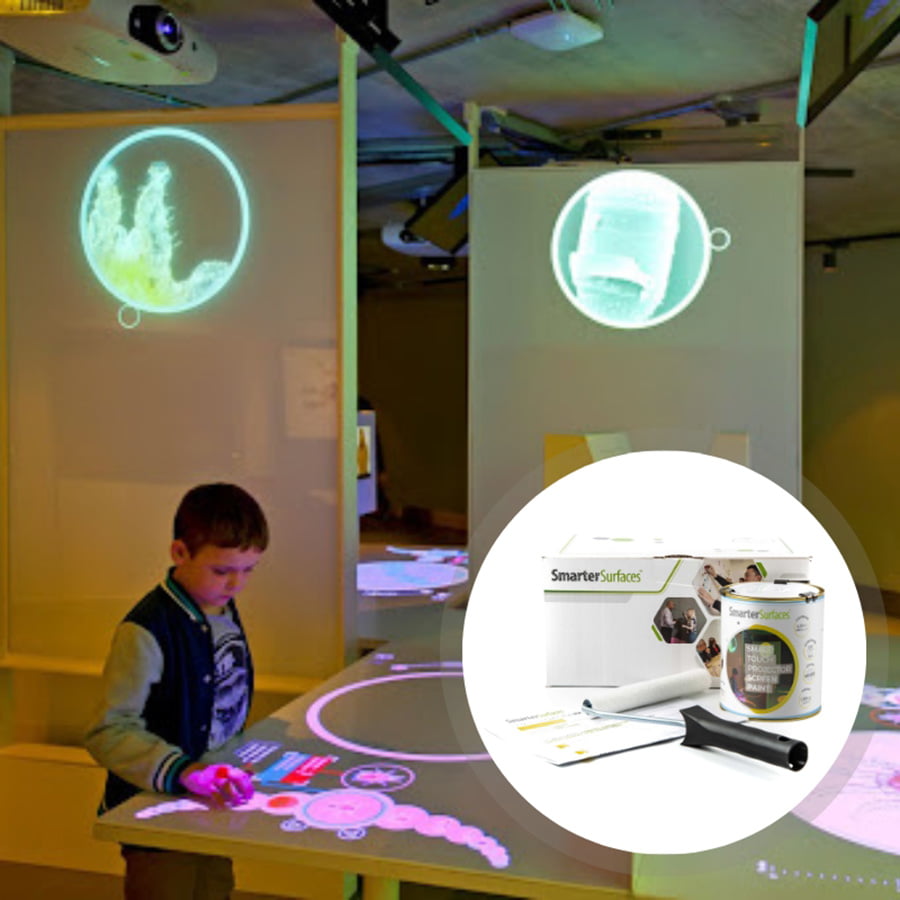
Specially developed so the wall or surface can be touched with human hands like the surface of an ipad this interactive screen paint is suitable for classrooms, offices and meeting rooms with normal to high levels of ambient light. It is touch resistant and highly cleanable, so you can take turns working at the wall without fearing the transmission of germs.
- Ideal for interactive displays in classrooms, offices, and meeting rooms
- Durable, touch-resistant surface that’s easy to clean
- Fully compatible with interactive touch screen projectors
- Backed by a 5-year product guarantee
- Developed and tested for leading projector brands- Epson, BenQ, Sony, Panasonic, LG, and Optoma
- Delivers smooth projection with no hotspots
- Simple 3-coat application system (1 primer + 2 topcoats)
- Ready to use within 24 hours of application
- Wipeable and washable – clean with mild detergent or water
From $251.00
Benefits of Interactive Projector Screen Paint
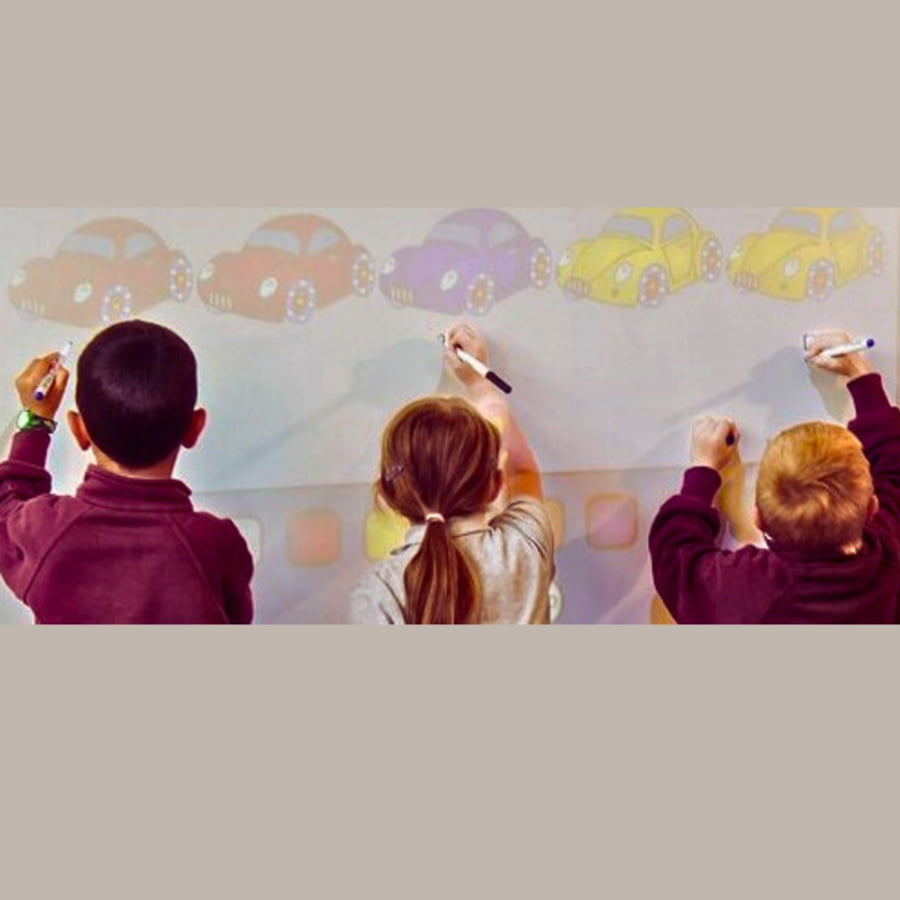
Interactive Learning and Collaboration
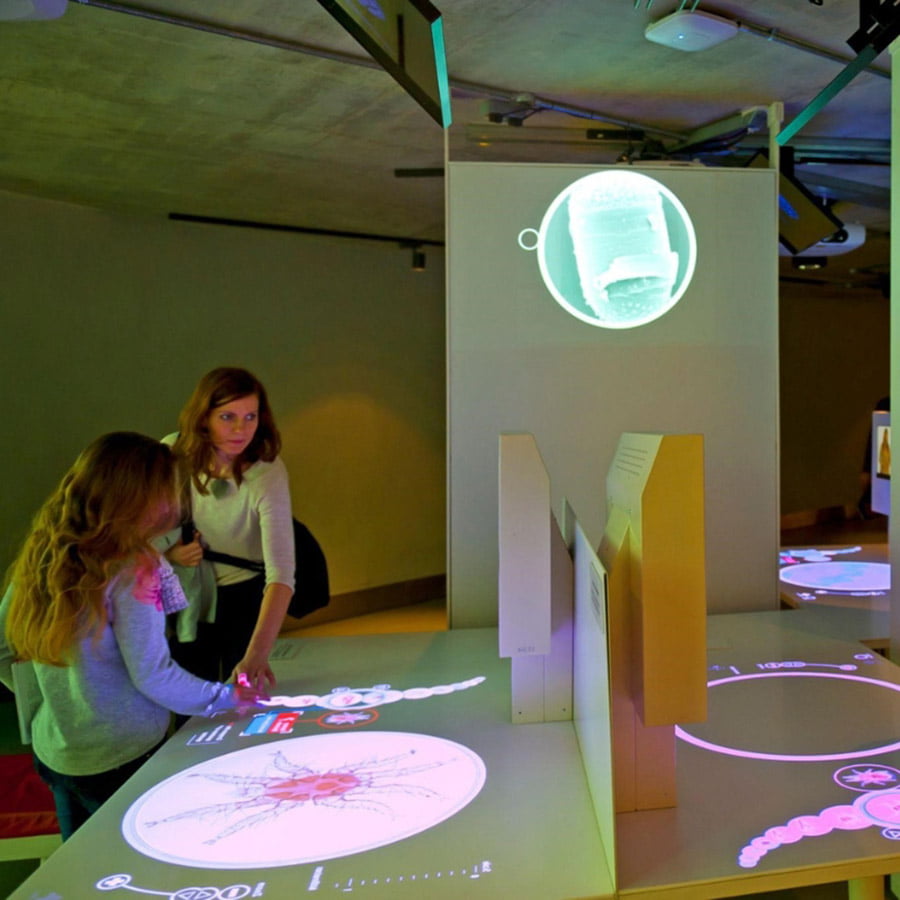
Turn any wall into an interactive projector touchscreen screen immersive learning and collaboration experiences that can be touched by hands.
Designed for Shared Spaces
The paint is touch-resistant and highly cleanable, making it suitable for classrooms, offices, and meeting rooms where multiple users can interact consistently.
Cost-Effective Alternative
Create custom-sized interactive areas with cost-effective, long-lasting, high-performance projected touchscreen surface.
Maximum Pixel Definition and Clarity
Enhances pixel definition and image clarity for projectors with a lumen rating above 1,000, delivering clear, sharp, and bright images for effective work.
Easy and Quick Application
The Paint is easy and quick to apply, offering subtle projection functionality compared to bulky screens. Can be applied to any smooth surface.
Devices & Projection Requirements For Interactive Screen
- Projector Requirements: Interactive Projectors
- Minimum Recommended Lumen Value: 1,000 Lumens
- Lighting: works in rooms with normal to high levels of ambient light
- Compatible Surfaces: can be applied to fabrics and is suitable for painting or refurbishing old screens, but not suitable for roll-up screens.
Interactive Projector Screen Paint – Performance
- 4K & 8K Ultra HD Ready
- Gain Value @ 90 °: 1.25
- Viewing Angle: 140 degrees
- Certification: Independent Projection Performance Report – CREST
Comparison Table
Compare the performance and specifications of Smarter Surfaces full projection range
Interactive Projector Screen Paint – Technical Specifications
Color: White
Finish: Matte
Screen Size / Coverage:
- 48 ft2 : 120” / 110” x 62” at 16:9 Aspect Ratio
- 270 ft2 : 301″ / 262.6” x 147.6” at 16:9 Aspect Ratio
Volume:
- 48 ft2 : 29.75 fl oz
- 270 ft2 : 169.07 fl oz
Environmental (exceeds all standards): low VOC, solvent free, PFOA & PFOS free and isocyanates free
Odor: Very Low
VOC: Less than 0.39%
Certification: Independent Projection Performance Report – CREST, Gypsum Surface Finish Quality Standard of US Level 5
Confused about which product suits your needs or just need advice? Reach out to us through video call, live chat, phone, or email for personalized support. Enjoy free technical advice, expert suggestions, and tailored product recommendations to ensure the perfect fit. Need help with installation? We’re always ready to assist and advise you.
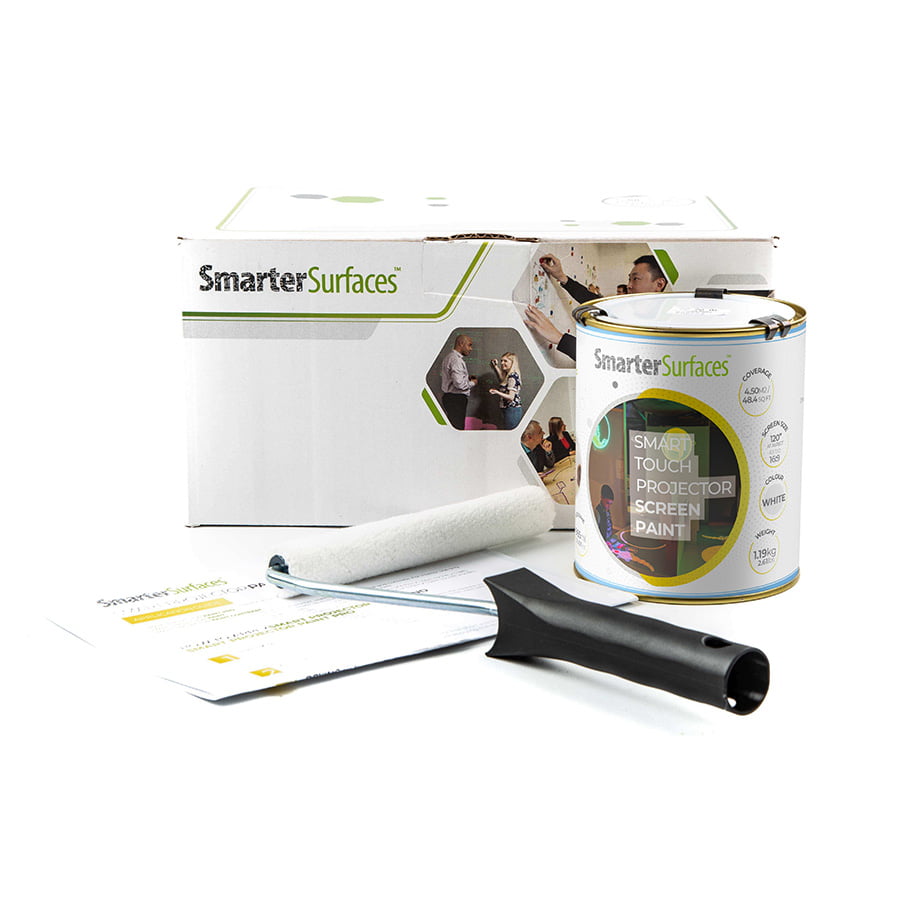
Kit Contents
Kit Contents 48 ft2
- 1 x Interactive Projector Screen Paint
- 1 x White Primer Tin
- 2 x Roller
- 1 x Roller Handle
- 1 x Application Guide
Kit Contents 270 ft2
- 1 x Interactive Projector Screen Paint
- 1 x Application Guide
Interactive Projector Screen Paint Reviews
MD – Topman Events
This interactive projector screen paint was perfect for creating interactive projection displays for our exhibition. It made the displays pop and was easy to clean with no effect on the surfaces. People could touch the surface and see the image interact with them.
Educate Together – Estates Manager
Smart Interactive Projector Screen Paint allowed us to create seamless interactive projection screens in our classrooms. Our decorators said it was an easy application.
J Ryan – 6th Form
Love painted screens, we use the interactive projection screens in a few of our classrooms with the interactive projectors and a very cool teaching wall.
Interactive Projector Screen Paint Installation Guide
How to Apply Interactive Projector Screen Paint?
- Step 1 – Prepare & Measure – Ensure the surface is clean, dry, and free from debris. Then measure and mark your desired area.
- Step 2 – Apply Primer- Apply two coats of White Primer, lightly sanding between each coat, and verify the surface is completely smooth and dry before proceeding.
- Step 3 – Apply The Paint – Stir the interactive projector paint and apply two even coats for optimal results. Allow the first coat to dry for approximately 2-4 hours before applying the second coat to achieve a uniform, professional finish.
- Step 4 – Drying Time- The Interactive Projector Touch Screen Paint becomes touch-dry within 1 hour after application. To use the surface, allow the paint to cure for 24 hours before use.
Want to test the product before committing? Request a sample pack to evaluate its performance.
If you need advice or have any questions, our dedicated customer service team is ready to assist, feel free to contact us.
A full application guide to help you apply our Interactive Projector Screen Paint.
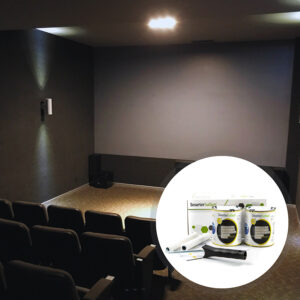
Watch the Step-by-Step Application Guide Video
Additional information
| Weight | N/A |
|---|