

Description
Benefits of Ambient Light Rejecting Projector Screen Paint
Superior Ambient Light Control
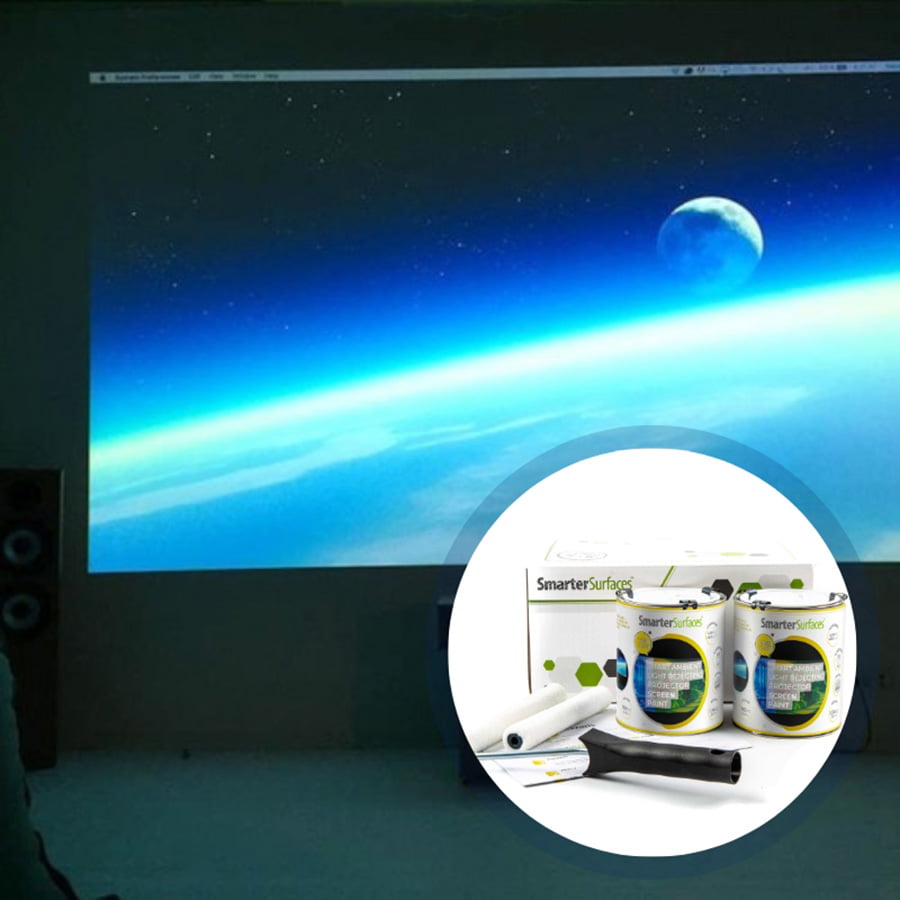
Ambient Light Rejecting Paint resists unwanted light ingress, selectively reflecting projector light while scattering excess light, improving image quality in brighter rooms.
High Visual Clarity Projection
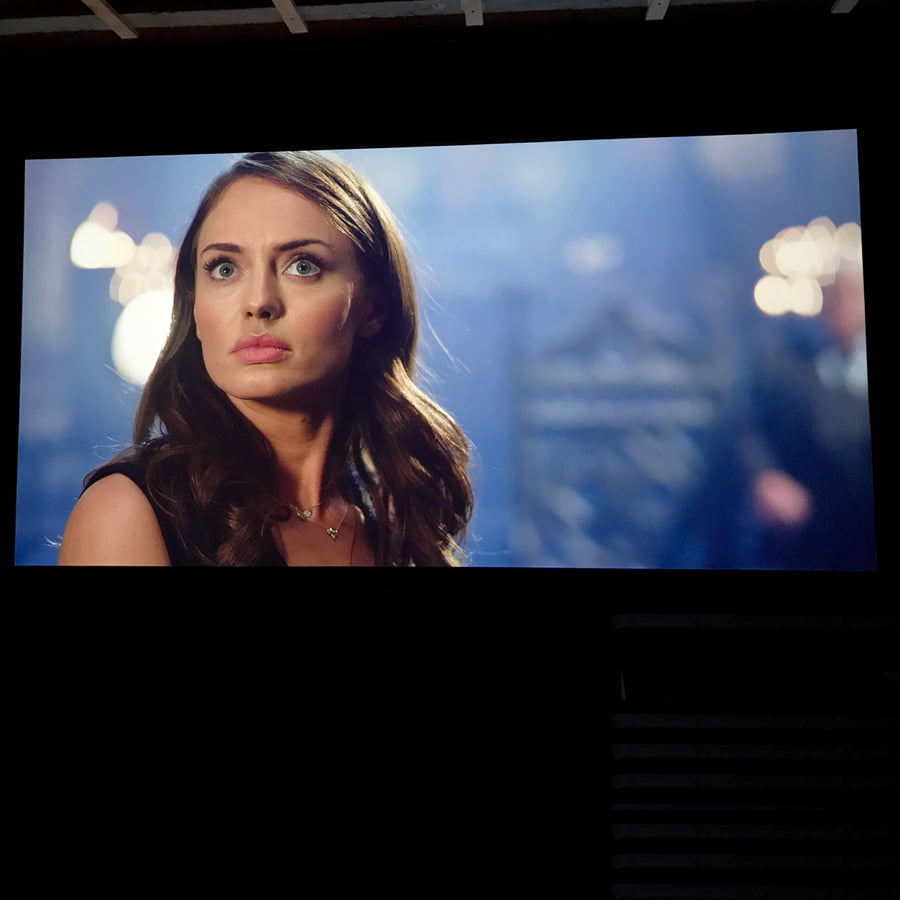
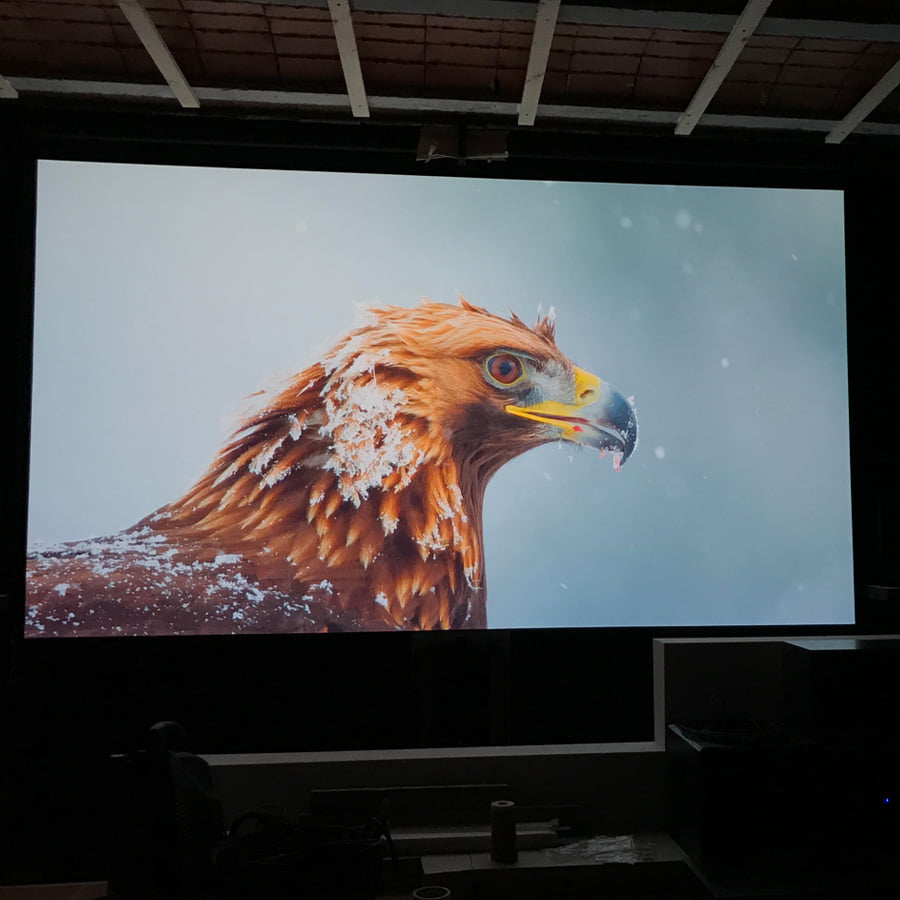
Designed to maximize pixel definition, clarity, and rejection of ambient light, delivering luminous, high-definition images for home theaters and gaming setups.
Reduced Glare and Reflections
Ultra matte layering technology eliminates both specular and diffuse reflection, minimizing stray light and maintaining image integrity.
Premium Projection Quality
ALR Screen Paint surfaces are meticulously tested with industry-standard projectors for crystal-clear displays without any hotspotting or performance loss.
Seamless and Stylish Integration
Designed for convenience, Smarter Surfaces easy-to-apply solution transforms any space into a projection-ready area while delivering a modern and sleek finish that perfectly complements architectural aesthetics.
Projector Compatibility and Lighting
- Projector Requirements: Interactive, HD, 4K, Standard Projectors
- Minimum Recommended Lumen Value: 2,000 Lumens
- Lighting: works in most rooms with normal to high ambient light
- Compatible Surfaces: can be applied to fabrics and is suitable for painting or refurbishing old screens, but not suitable for roll-up screens
Performance
- 4K & 8K Ultra HD Ready
- Gain Value @ 90 °: 0.71
- Viewing Angle: 140 degrees
- Certification: Independent Projection Performance Report – CREST
Comparison Table
Compare the performance and specifications of Smarter Surfaces full projection range
ALR Screen Paint – Technical Specifications
Color: Light Grey
Finish: Ultra Matte
Screen Size / Coverage:
- 48 sq ft : 120” at 16:9 Aspect Ratio
- 270 sq ft : 301″ at 16:9 Aspect Ratio
Volume:
- 48 sq ft : 29.75 fl oz
- 270 sq ft : 169.07 fl oz
Environmental (exceeds all US standards): low VOC, Solvent free, PFOA & PFOS free and Isocyanates free
Odor: Very Low
VOC: Less than 0.33%
Certification: Independent Projection Performance Report – CREST, Gypsum Surface Finish Quality Standard of US Level 5
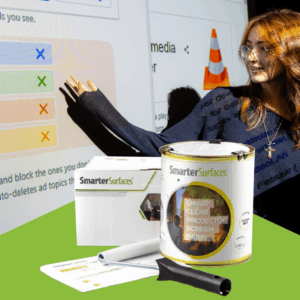
Confused about which product to choose? Let us make it simple for you. Reach out to us through video call, live chat, phone, or email for expert advice. From tailored recommendations to technical tips, we’re here to help you find the perfect fit. Need installation guidance? Count on us for step-by-step support and expert advice.
What’s in the Kits
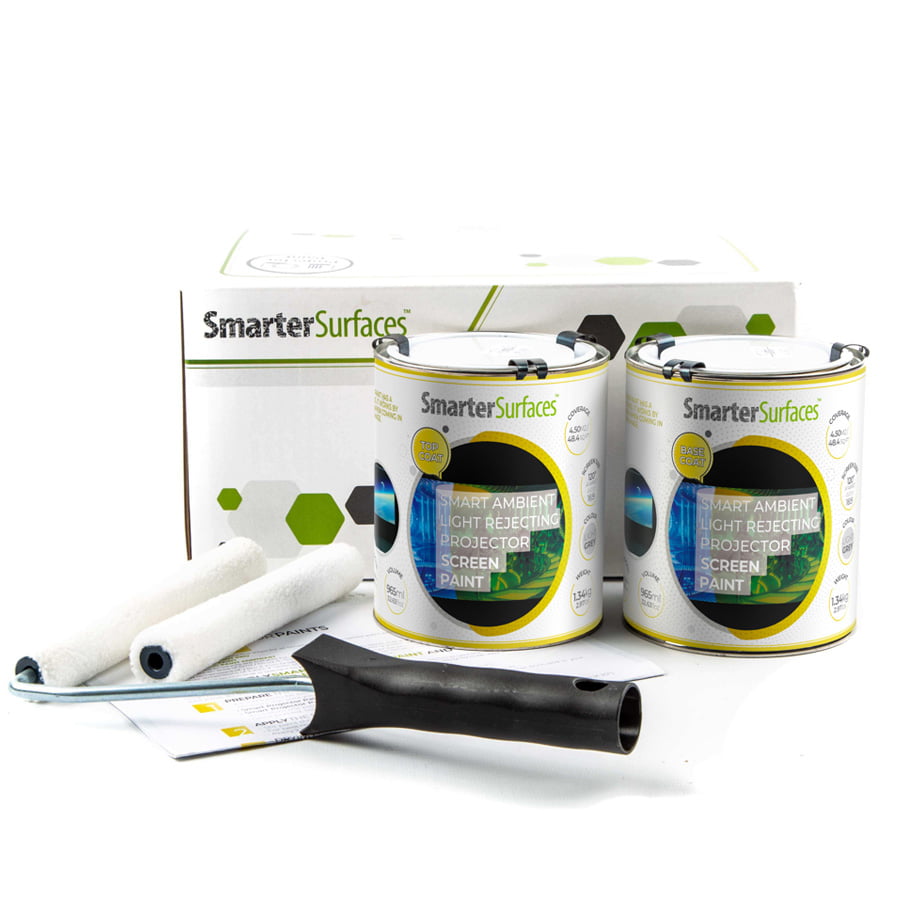
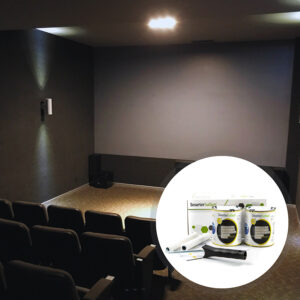
Kit Contents 48 sq ft
1x ALR Screen Paint
1x White Primer
1x Roller
1x Roller Handle
1x Application Guide
Kit Contents 270 sq ft
1x ALR Screen Paint
1x Application Guide
ALR Screen Paint Customer Reviews
MAC AV Solutions
Impressive performance. We were looking for a solution for an ALR projection screen for a large auditorium with high light levels but in a large size which was proving cost prohibitive, then we found Smarter Surfaces. I have to complement the technical support and the product has been fantastic, excellent value and very effective.
Finco Ltd
Good product and good support was provided, and will use again.
Thomas J
East Coast AV
This product was identified by the client for a church hall and to be fair has worked very well. Painted on similar to an oil paint with no issues, surface preparation is very important.
Ambient Light Rejecting Projector Screen Paint – Easy DIY Installation
How To Apply ALR Screen Paint
Ambient Light Rejecting Projector Screen Paint is suitable for use on plaster, wallboards, wood, metal concrete and composites. You can use either a roller or spray to apply the ALR paint, though we recommend a roller for most applications.
Step 1- Prepare the Surface: ensure that the surface is clean, dry, and free of debris before starting to apply the paint.
Step 2- Measure the area you wish to paint and clearly mark it using masking tape.
Step 3- Prepare the ALR Screen Paint: Thoroughly stir the paint before the application process. For attaining the best finish, use a mohair or lint-free short-pile roller sleeve to evenly distribute the paint.
Step 4- Apply Ambient Light Rejecting Screen Paint: Ensure the base is smooth and free from surface defects (lightly sand if required). If you’re painting a specific area rather than an entire wall, use masking tape to define the space.
Note: For bare or untreated surfaces, apply a single coat of White Primer first. Additionally, make sure to address any surface imperfections by filling any cracks or holes and sanding the area smooth with 120-grit sandpaper.
Step 5- Once you’ve applied ALR Projector Screen Paint to your wall, let it dry completely for 24 hours. After the surface has cured, it’s ready to use as a projection screen.
Step 6- Position your projector, align it with the painted wall, and then adjust its settings as required. For the best viewing experience, please refer to your projector’s owner’s manual to ensure proper calibration.
A full application guide to help you apply Ambient Light Rejecting Paint.
Watch the Step-by-Step Video Application Guide
Ambient Light Rejecting Paint Videos
Watch the Step-by-Step Video Application Guide
Whiteboard Paint White for Education
Whiteboard Paint White Case Study